
When things go wrong
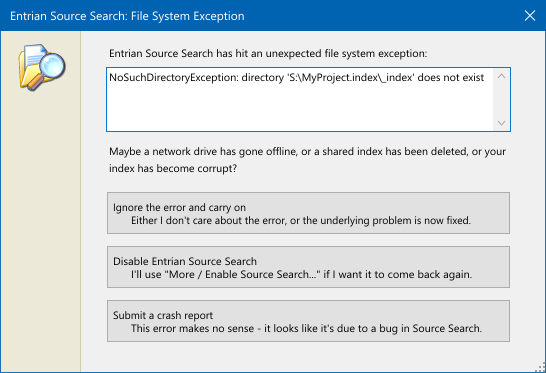
Sometimes, Source Search hits an unexpected file system exception when trying to read or write an index. These can be caused by, for example, network drives going offline, shared indexes being deleted, or indexes being corrupted by Visual Studio crashes or power failures.
When that happens, you’re asked whether to ignore the error and continue (maybe because a network share went away for a moment and is now back again), temporarily disable Source Search, or send in a crash report:
If Source Search encounters a truly unexpected exception, that will show the crash dialog:
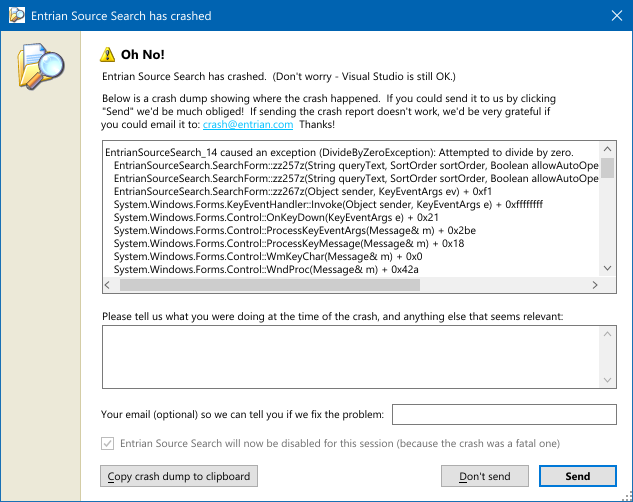
If you see one of these, please accept our apologies! Secondly, please click Send to send the crash report to Entrian Solutions. Every single one of them gets looked at, and we do our very best to fix them.