
Search all your files
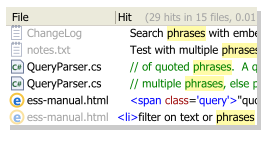
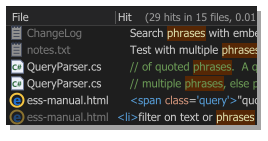
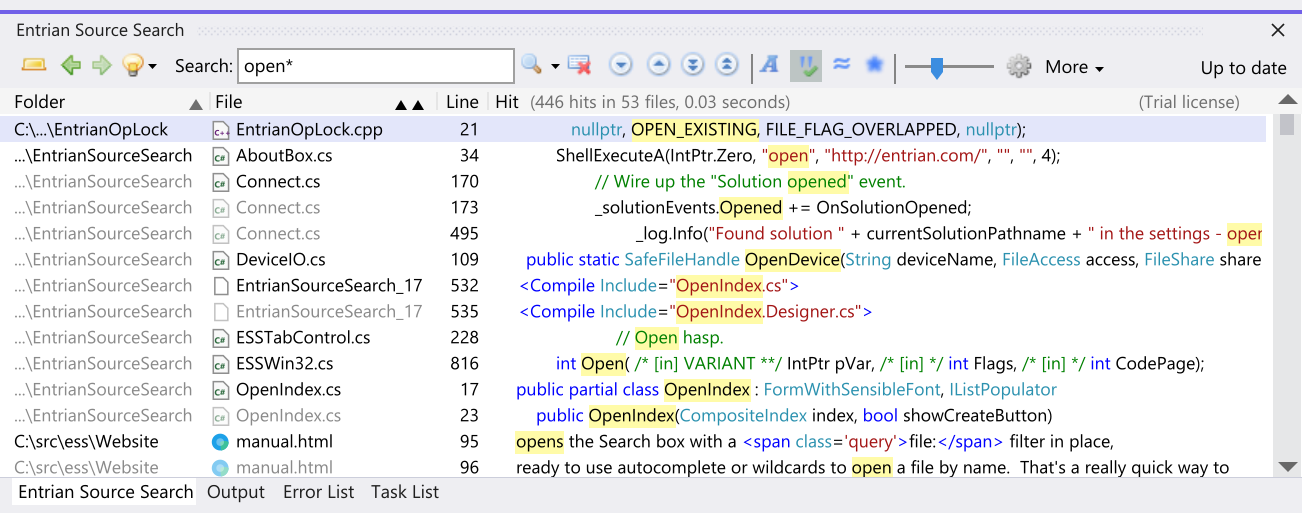
Search everything – not just code, but comments, strings, resources, documentation, notes, ChangeLogs, everything. Source Search goes way beyond a refactoring tool, or Find All References, finding important information in places other than just the source files in your solution.
Blazingly fast performance
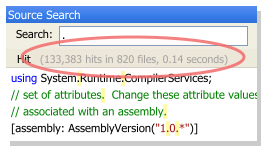
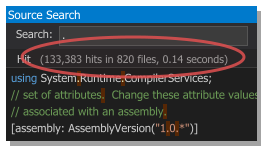
Entrian Source Search builds a full-text index of your files, and searches it incredibly quickly. Most searches are practically instantaneous, and even searches with millions of hits only take a second or two. If you've ever waited for Find In Files or Find All References, you're in for a pleasant surprise.
Syntax highlighted results
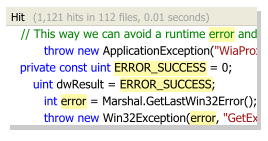
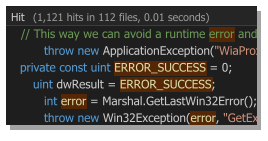
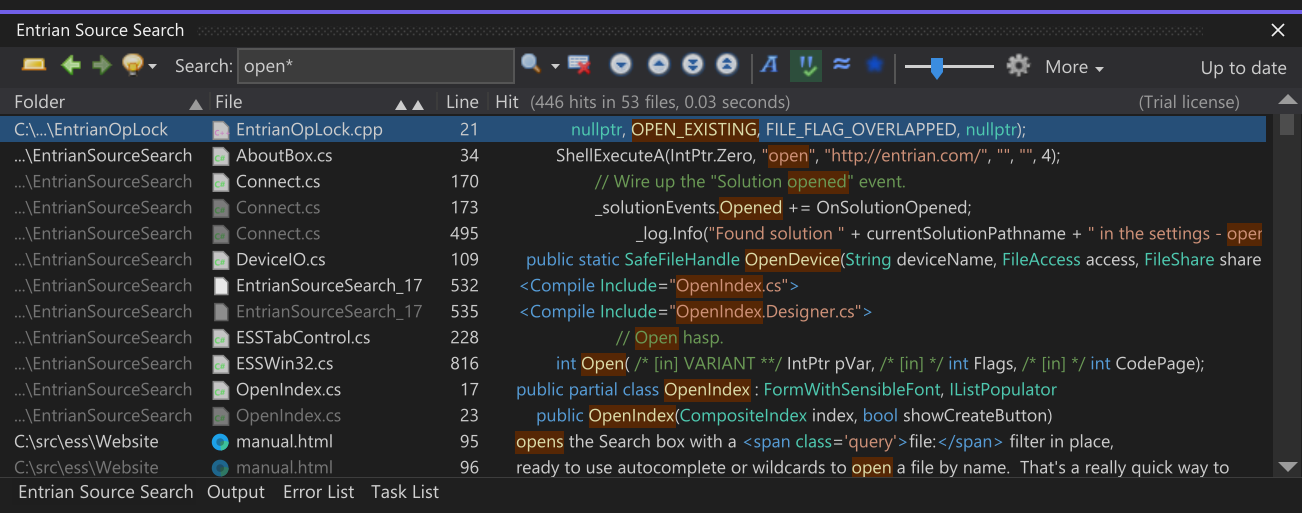
It's not just eye-candy – when your search results use the same color scheme as the source code in your editor, it's much easier for you to scan them. And glancing between the search results and the editor is less of a context switch for your brain.
Autocomplete every word in your code
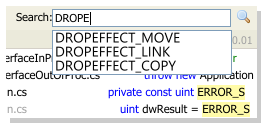
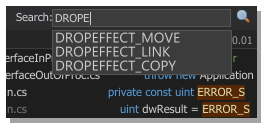
Not only does autocomplete save typing, it can often answer your question before you've even asked it: “What are the names of all the DROPEFFECTs we use?” And just like all Entrian Source Search features, it's both fast and unobtrusive.
Seamless integration
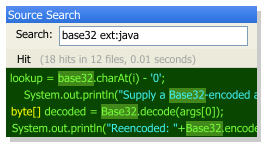
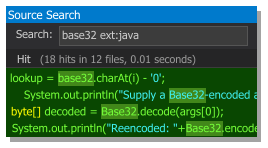
Like to use a bizarre color scheme? Like to set up all your own key bindings? Like your windows positioned just so? No problem. Source Search integrates into seamlessly, picking up your preferences and fitting in with the way you like to work.